

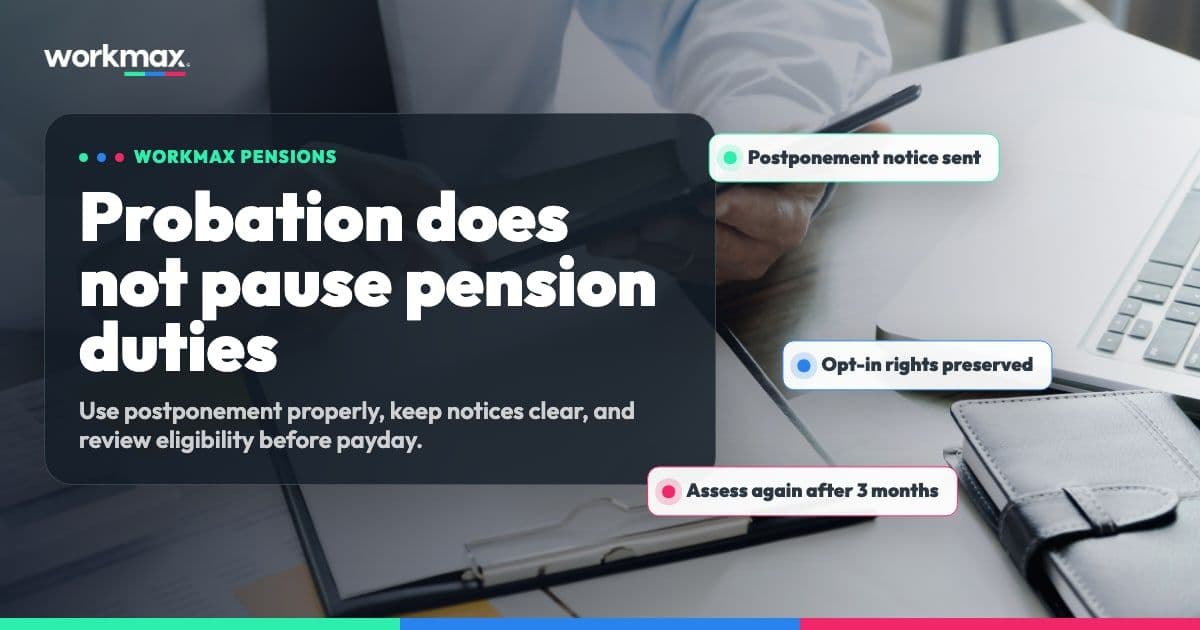
Yes, UK employers can usually delay auto-enrolment during probation, but probation itself does not remove pension duties.
The route is called postponement. It lets an employer delay assessing a worker for automatic enrolment for up to three months. The employer still has to follow the rules, write to the worker, and let the worker join a pension scheme during the postponement period if they ask.
This is general guidance for employers. Always check The Pensions Regulator guidance for your exact situation.
What postponement means
Postponement delays the date when you assess a worker for auto-enrolment. It does not cancel your workplace pension duties.
The Pensions Regulator says employers can use postponement for some or all staff, including staff who begin work on a probationary period. Employers can also use it to align pension administration with payroll processes.
You can only postpone from certain dates:
- your duties start date;
- the worker's first day of employment;
- the date the worker first meets the age and earnings criteria for automatic enrolment.
For a new starter on probation, the most common route is to use postponement from their first day of employment.
How long can you delay auto-enrolment?
The usual maximum is three months.
That means a six-month probation period cannot automatically become a six-month pension waiting period. If you postpone for three months and the worker is still employed, you must assess them at the end of the postponement period.
If they meet the auto-enrolment criteria at that point, you must enrol them into a qualifying pension scheme and pay employer contributions.
What you must tell the employee
If you use postponement, you must write to the employee individually. The notice should explain that automatic enrolment has been postponed and how automatic enrolment applies to them.
Timing matters. The Pensions Regulator says the postponement notice deadline is six weeks and a day from the date you are using postponement.
Do not treat this as a payroll note you can tidy up later. If the notice is late or missing, you may not have applied postponement properly.
Employees can still ask to join
Postponement does not stop an employee from asking to join a workplace pension.
If a worker writes to ask to join during the postponement period, you must put them into a pension scheme once you receive the request. Depending on their age and earnings, you may also have to pay employer contributions.
That is why probation, onboarding and payroll records need to stay connected. A manager may think "they are still in probation", but payroll still needs to know whether a notice was sent, whether the worker asked to join, and when the deferral date arrives.

Employer checklist for probationary staff
Before you rely on postponement, check:
- The employee's start date is recorded correctly.
- The probation period is not being confused with the legal postponement limit.
- The postponement start date is one of the permitted dates.
- The deferral date is no later than the allowed postponement period.
- The written postponement notice is issued on time.
- The employee's right to ask to join is clear.
- Payroll knows when to reassess the employee.
- Pension deductions and employer contributions are applied if the employee must be enrolled.
- The pension decision is visible in the employee record, not buried in emails or spreadsheets.
Common mistakes
The biggest mistake is assuming probation pauses auto-enrolment duties by itself. It does not.
Other common issues include:
- using a six-month probation period as a six-month pension delay;
- forgetting to send the written postponement notice;
- sending a generic note that does not give the worker the required information;
- missing an employee's written request to join during postponement;
- failing to assess the employee at the deferral date;
- keeping pension decisions in a spreadsheet separate from payroll;
- applying pension contributions late because payroll did not know probation had ended.
These are process problems as much as pension problems. The legal duty sits with the employer, but the practical risk often appears in the gap between HR, onboarding, payroll and pensions.
How Workmax helps
Workmax brings HR, payroll and pension workflows closer together so employers are not trying to manage probation records in one place and pension decisions somewhere else.
For a probationary starter, that means the employee record, onboarding status, payroll setup and workplace pension details can sit in the same operational workflow. Workmax is designed to support workplace pension enrolment, auto-enrolment compliance, pension rules, contribution tracking and integrations with pension providers such as NEST.
That matters because postponement is date-driven. Employers need to know:
- when the worker started;
- whether postponement was applied;
- whether the notice was sent;
- whether the worker asked to join;
- when the deferral date arrives;
- whether pension contributions need to start in the next pay run.
When those records are connected, payroll is less dependent on last-minute messages and spreadsheet checks.
Explore Workmax payroll or book a demo to see how Workmax helps UK employers manage payroll, pensions and employee records in one workflow.