Choose Workmax if
UK shift-based organisations that want scheduling, time approval and HMRC-recognised payroll in one system.

Compare a focused cloud payroll service with Workmax's connected workforce platform. The important question is whether payroll stands alone or begins with the rota and approved time.
Exact scope
This comparison covers BrightPay Cloud only. It excludes the legacy BrightPay Desktop product and BrightPay Connect.
Balanced verdict
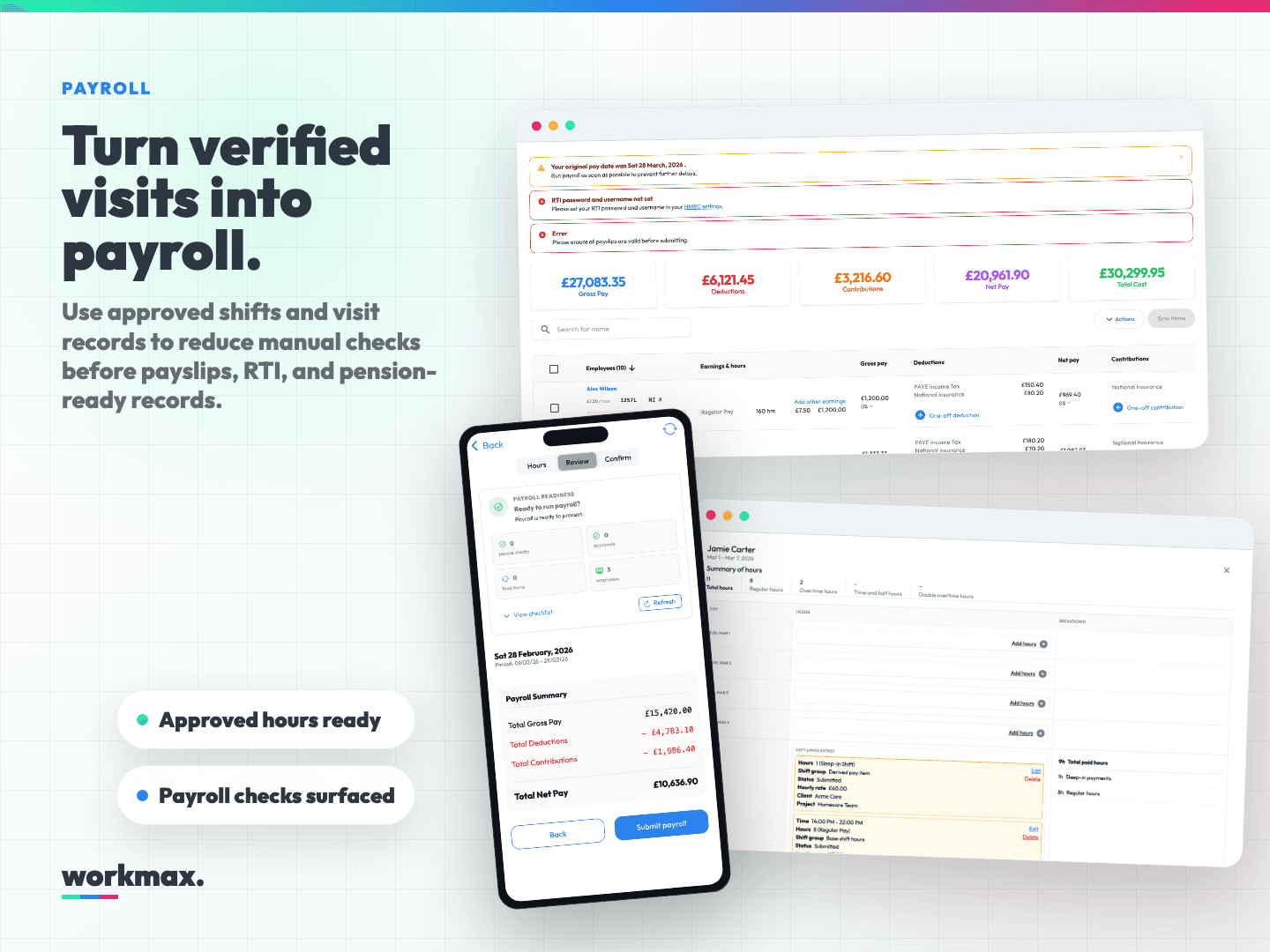
BrightPay Cloud is a focused choice for employers and bureaus that primarily need cloud payroll. Workmax is likely the stronger fit when rotas, approved time, HR, expenses and payroll need to operate as one workflow.
Choose Workmax if
UK shift-based organisations that want scheduling, time approval and HMRC-recognised payroll in one system.
Choose BrightPay Cloud if
Employers and payroll bureaus looking for a focused cloud payroll product.
Category-by-category evidence
Every claim separates what the product can do from whether it is included, plan-dependent, an add-on or delivered through another product.
Workmax
Available in WorkmaxNative HMRC-recognised payroll with calculations, payslips, FPS/EPS submissions and year-end records.
BrightPay Cloud
Cloud payroll is a core capability of BrightPay Cloud.
Plan/module: BrightPay Cloud
BrightPay official pricingBrightPay Cloud's official pricing comparison describes cloud payroll processing and submissions.
Workmax
Available in WorkmaxVisual rotas, shift patterns, coverage controls and employee notifications are included through the Scheduling module.
BrightPay Cloud
Not verified for the exact product scope. Ask the supplier to confirm rota and shift scheduling in writing.
Scope: No reliable current official evidence found for this edition
BrightPay official pricingThe reviewed official source does not provide enough current evidence to verify rota and shift scheduling.
Workmax
Available in WorkmaxMobile clock-in, location evidence, timesheets and manager approval feed approved hours into payroll.
BrightPay Cloud
Not verified for the exact product scope. Ask the supplier to confirm GPS time capture and manager-approved timesheets in writing.
Scope: No reliable current official evidence found for this edition
BrightPay official pricingThe reviewed official source does not provide enough current evidence to verify GPS time capture and manager-approved timesheets.
Workmax
Available in WorkmaxEmployee records, onboarding, documents, right-to-work evidence, expiry alerts and self-service are available in Workmax HR.
BrightPay Cloud
Not verified for the exact product scope. Ask the supplier to confirm a full employee HR record system within BrightPay Cloud in writing.
Scope: No reliable current official evidence found for this edition
BrightPay official pricingThe reviewed official source does not provide enough current evidence to verify a full employee HR record system within BrightPay Cloud.
Workmax
Available in WorkmaxEmployees submit expenses and mileage for approval, with approved reimbursements connected to payroll.
BrightPay Cloud
Not verified for the exact product scope. Ask the supplier to confirm employee expense and mileage approval in writing.
Scope: No reliable current official evidence found for this edition
BrightPay official pricingThe reviewed official source does not provide enough current evidence to verify employee expense and mileage approval.
Workmax
Available in WorkmaxPayroll journals and integration routes connect Workmax workforce data with the organisation's finance workflow.
BrightPay Cloud
Integrations support payroll hand-offs; confirm the connector needed for your accounting stack.
Plan/module: BrightPay Cloud
BrightPay official pricingBrightPay documents accounting and pension integrations around the payroll workflow.
Workmax
Available in WorkmaxCare providers can add care plans, visit briefs, EVV, care tasks, alerts and payroll-ready visit evidence.
BrightPay Cloud
Not verified for the exact product scope. Ask the supplier to confirm care planning and EVV in writing.
Scope: No reliable current official evidence found for this edition
BrightPay official pricingThe reviewed official source does not provide enough current evidence to verify care planning and EVV.
Workmax
Available in WorkmaxUK support, employee import, mid-year payroll migration and parallel-run guidance are available without a setup fee for standard migrations.
BrightPay Cloud
Support is available; migration scope should be confirmed for your payroll history and bureau setup.
Plan/module: BrightPay Cloud
BrightPay official pricingThe official pricing page describes support and product packaging for cloud customers.
The connected workflow
Publish rota
Employee works shift
Capture time and location evidence
Manager approves hours
Move approved hours into payroll
Submit payroll to HMRC
Who is cheaper?
Choose your team size and workflow. We declare a cheaper provider only when both monthly totals are complete, current, VAT-exclusive and genuinely like-for-like.
Review Workmax pricingA cheaper provider cannot be verified from public pricing.
Payroll only for 30 people. Known charges are shown, but missing costs prevent a like-for-like winner.
Workmax
£85.00/month
Exact monthly price, excluding VAT.
BrightPay Cloud
Contact supplier
BrightPay Cloud
BrightPay publishes product packaging on its current pricing page. Use the live supplier quote for the exact employer or bureau configuration; this page does not reuse legacy Desktop pricing.
Migration considerations
Confirm historical pay-run import, employee records, pension settings, opening balances and the parallel-run timetable. A shift-based employer should also plan how rota and time data will reach payroll after migration.
Discuss your migrationEvidence and methodology
Delivered through separate third-party software or an export.
Included directly in the named product or plan.
Current official evidence explicitly states it is unavailable.
No reliable current official evidence was found.
Requires another paid module or subscription.
Included only in a specified plan or configuration.
We compare public UK product information and currently released Workmax functionality. Pricing and packaging can change. Claims were last verified on 13 July 2026 and are reviewed quarterly or sooner when a monitored source changes.
Workmax is HMRC recognised: check the current GOV.UK list. Competitor trademarks belong to their owners; no affiliation or endorsement is implied.
Comparison questions
Understand the product scope, costs and practical checks before choosing your next payroll system.
No. It covers BrightPay Cloud only and does not blend in Desktop or Connect capabilities.
BrightPay Cloud is payroll-focused. Workmax is designed for teams that want scheduling, verified time and approved hours connected directly to native payroll.
The comparison does not have a verified public price for the exact employer or bureau configuration. Use a current supplier quote, including any extra products needed for your chosen workflow, before comparing it with the Workmax total. An unknown price is not treated as zero.
Use the same headcount and workflow for both products. Check the payroll subscription, any HR product or integration you need, setup or migration fees and VAT. The calculator shows known charges and identifies missing costs; it cannot establish a cheaper provider when the totals are incomplete.
Review the available employee exports, payroll history, pension settings and opening year-to-date figures with the Workmax team. Agree the migration scope and timetable, investigate any differences and approve the records and first payroll before going live.
No. It compares the named product edition against the criteria shown on this page. Read each capability label and its evidence: native features, paid add-ons, integrations and unverified capabilities are different. Confirm any essential workflow with the supplier before buying.
You can request access to the shared payroll demo to explore preloaded fictional records, or book a guided walkthrough of your requirements. The shared demo is separate from the 30-day trial in your own account; do not upload your employee information to the shared environment.
Same-track comparisons
Bring a rota, time-approval or care-visit scenario. We’ll show what is native, what is configurable and what your monthly Workmax price includes.
Book a tailored demo