CQC does not inspect payroll in isolation. But weak payroll records can expose wider problems in staffing, governance, care delivery and evidence.
CQC's current assessment framework asks whether services are safe, effective, caring, responsive and well-led. Its safe and effective staffing statement focuses on having enough qualified, skilled and experienced people who receive appropriate support. Payroll records do not prove those outcomes by themselves, but inconsistencies can make the underlying staffing story harder to evidence.
For care providers, the issue is whether the rota, visit record, daily notes, timesheets, mileage, approvals and payroll records tell the same story.
If they do not, managers may struggle to explain safe staffing, missed visits, travel pressure, continuity, supervision and worker pay queries.
What CQC-ready means
CQC-ready payroll records are not just payslips.
They include the evidence behind the payslip:
- employee role and employment record;
- planned rota;
- actual visit or shift record;
- clock-in and clock-out evidence;
- travel time;
- mileage;
- sleep-in and waking time;
- training or induction time;
- absence and holiday;
- manager approval;
- payroll correction history.
The record should make the pay run traceable.
“CQC-ready” should not be used as a promise that a particular document or software will secure a rating. It means the provider can retrieve accurate, consistent records, explain exceptions and show how operational information was reviewed. CQC will consider wider evidence and people's experiences, not a payroll checklist alone.
Why this matters for care
CQC's assessment framework looks at safety, effectiveness, responsiveness and well-led services. Payroll evidence can support those questions when it proves that staffing records, visit evidence and manager review are joined up.
For example:
- A visit was completed, and the worker was paid from the verified record.
- A late visit was reviewed, not hidden in payroll.
- A sleep-in waking event was recorded and approved.
- Travel pressure was visible to managers.
- A payroll correction had a clear reason and approver.
Those are operational records first. Payroll uses them later.
The reverse also matters. A payslip can reveal a discrepancy that should be checked against the care record. If approved visit time, travel, waking time or training does not match the payroll input, the provider needs a controlled correction process rather than an unexplained overwrite.
Build a visit-to-pay record
For each visit or shift, retain a connected sequence:
- The planned rota identifies the person, worker, location and expected time.
- The actual record captures attendance and relevant care evidence.
- Exceptions such as lateness, no access or an interrupted visit are explained.
- Travel, mileage, waking time or other pay inputs are recorded separately.
- A manager reviews the event and any correction.
- Approved items enter the payroll review.
- Payroll retains the final result and correction history.
The provider should define proportionate retention and access rules. Care and payroll data are sensitive; not every payroll user needs clinical detail, and not every care user needs pay information. Link records through identifiers and controlled permissions rather than copying unnecessary personal data between systems.
Assign ownership before an inspection request
| Evidence | Primary owner | Payroll relevance |
|---|---|---|
| Planned rota and staffing cover | Registered or care manager | Expected hours and role |
| Actual visit or shift | Operational team | Time and exception source |
| Travel, mileage and waking events | Worker and approver | Separate pay inputs where applicable |
| Training and supervision | HR or care management | Paid time and role readiness |
| Approved timesheet | Line manager | Authorised payroll input |
| Pay run and corrections | Payroll owner | Calculation, submission and audit history |
Ownership can vary by provider. The important point is that a request does not trigger a last-minute search across messaging apps, spreadsheets and personal inboxes.
Common weak spots
Care providers often struggle when:
- rotas sit in one system and payroll in another;
- managers approve hours by spreadsheet;
- mileage claims arrive late;
- sleep-in waking time is not separated;
- no-access visits are not linked to payroll;
- corrections are made without an audit trail;
- payroll queries require WhatsApp searches.
The risk is not only payment accuracy. It is the lack of a reliable management record.
Other weak spots include excessive access, copied records with no source, unexplained manual adjustments and systems that allow the original event to be overwritten. Preserve the original, the change, the reason, the approver and the date.
Payroll record checklist
Before payroll closes, check:
- Are all visits or shifts accounted for?
- Are actual times visible?
- Are travel time and mileage reviewed?
- Are sleep-ins and waking time recorded separately?
- Are cancelled, missed or no-access visits explained?
- Are holiday, sickness and training included where relevant?
- Are exceptions approved by a manager?
- Can payroll explain the payslip from the record?
Use the care agency admin cost calculator to estimate the time lost when this process is manual.
Test retrieval with one anonymised case
Choose a representative case and ask the team to retrieve the planned shift, actual visit, exception, approval and payroll result without exposing real data outside authorised systems. Time the exercise and record gaps.
A useful test includes a late visit, travel between calls, a corrected clock event and a payroll query. The goal is not to create a special inspection pack. It is to prove that routine records remain coherent and available through normal governance.
If a mismatch appears, log it, assign an owner and correct the appropriate source. Do not edit the care record merely to match payroll or edit payroll merely to match the rota. Establish what happened, retain the evidence and document the correction.
Review the wider care operations tools and payroll hub when building the control set. Providers should take professional advice where employment, minimum-wage, tax, data-protection or regulatory interpretation is uncertain.
How Workmax helps
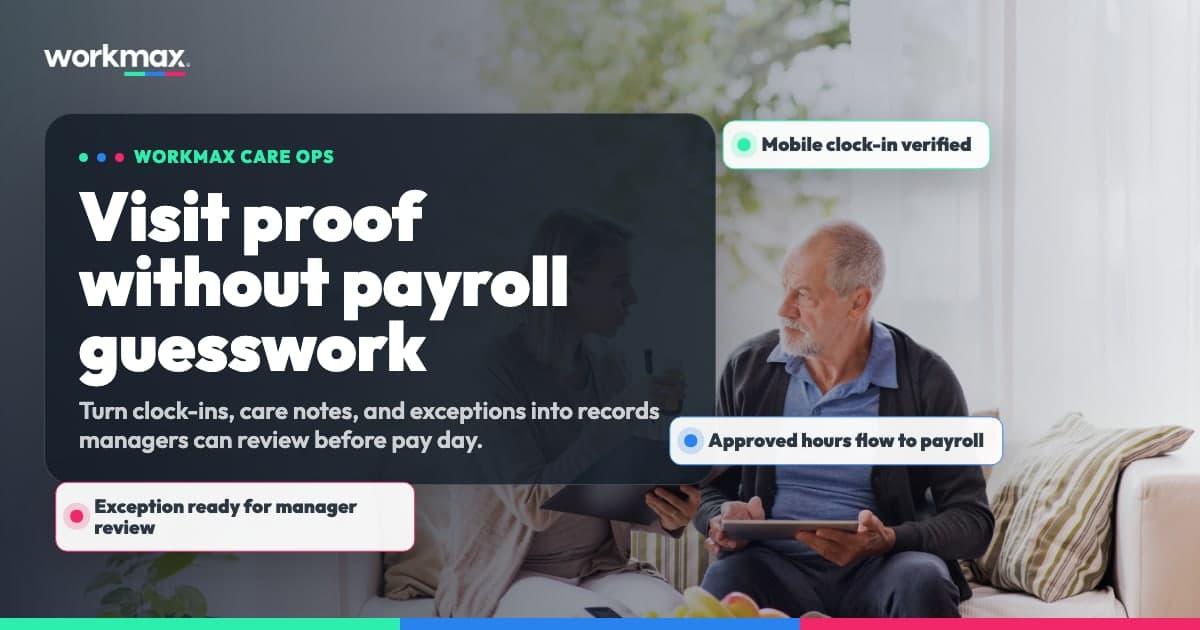
Workmax connects care plans, rotas, visit verification, timesheets, approvals and payroll-ready records. That helps care providers keep evidence in one workflow instead of rebuilding it at payroll time.
See Workmax home care payroll or book a care workflow demonstration. Workmax can support connected records, but the provider remains responsible for care quality, lawful pay, access control, review and regulatory evidence.